> For the complete documentation index, see [llms.txt](https://wiki.secrets.ai/llms.txt). Markdown versions of documentation pages are available by appending `.md` to page URLs; this page is available as [Markdown](https://wiki.secrets.ai/extra/user-settings.md).
# User Settings
User settings control your profile, preferences, and account actions.
### Profile
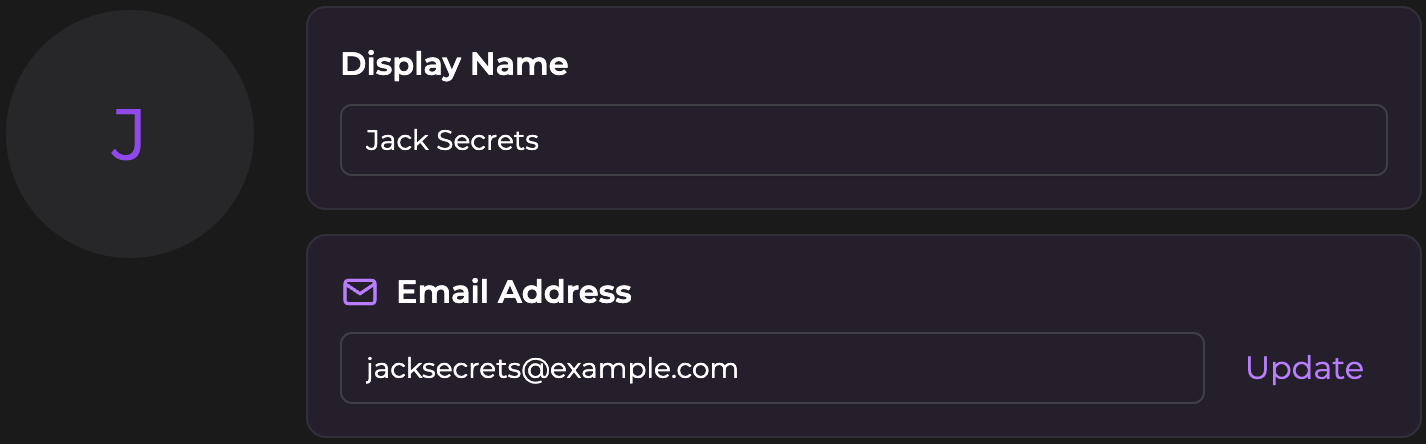
* **Avatar**: Your profile picture
* **Display name**: How companions address you
* **Email address**: Where we send receipts, verification links, and account notifications. If you sign in with Google, changing this does **not** change the account you sign in with — see [below](#changing-the-google-account-you-sign-in-with).
#### Changing the Google account you sign in with
Your profile email and the Google account you sign in with are stored separately, so updating the email field above doesn't move your login. To switch to a new Google address, follow these steps in order:
1. **Change your profile email to the new address first**, and click the verification link sent to that inbox. The remaining steps won't work until this is done.
2. Sign out. On the login page, choose email and password, then click **Forgot password**. Enter your new email address and use the link to set a password.
3. Sign in with your new email address and that password to confirm it works.
4. Sign out again, choose **Continue with Google**, and pick your new Google account.
Your subscription, Moments balance, and chat history all carry over — it's the same account throughout.
{% hint style="info" %}
Setting a password in step 2 removes the old Google connection. That's expected, and it's what frees up the slot for your new Google account in step 4. In between, your email and password will still sign you in.
{% endhint %}
### Subscription & moments
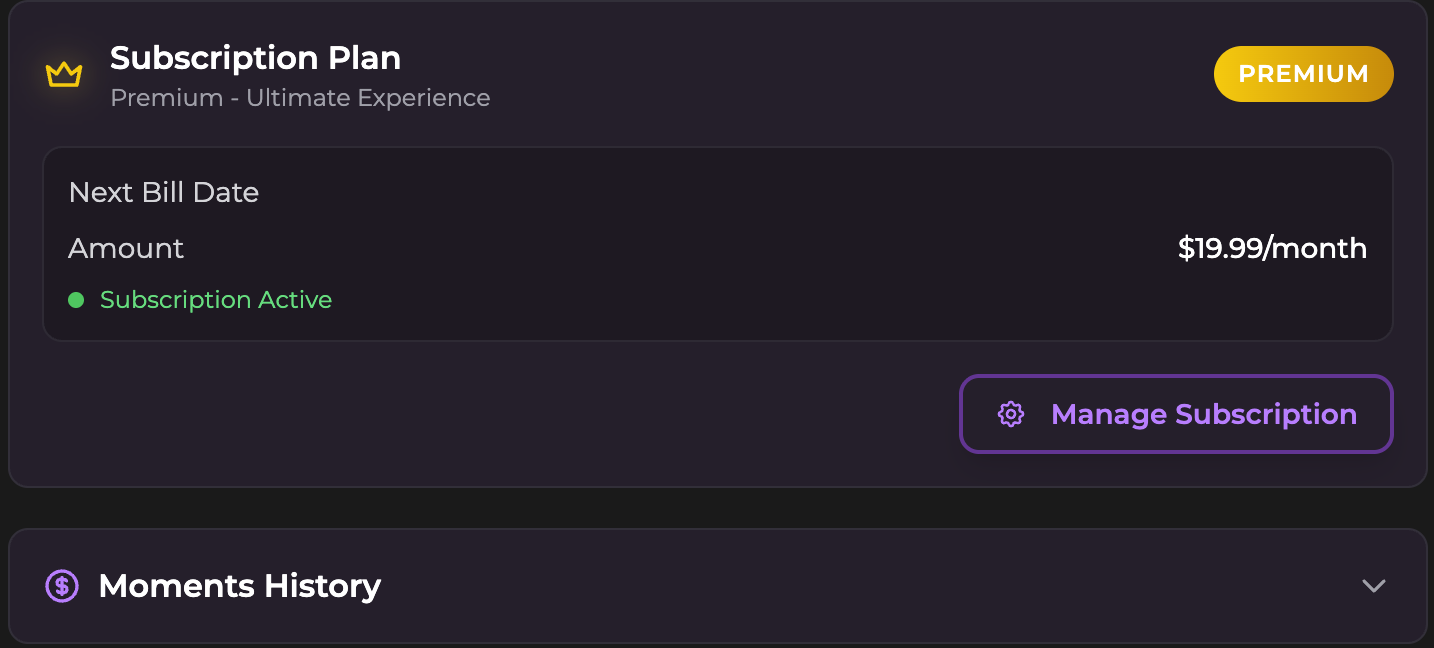
* **Subscription plan**: Your tier, renewal date, and status
* **Manage subscription**: View details and manage your subscription
* **Moments history**: Log of purchases and usage
Want the full breakdown? See [Moments & Payments](/extra/moments-and-payments.md).
### Archived Chats
You can view and restore conversations you've previously archived in this section.
#### Restoring a Chat
If you want to continue a conversation you archived:
1. Expand the **Archived Chats** section.
2. Find the chat you want to restore in the list.
3. Click the **Unarchive** button (box with an arrow icon) next to the chat.
4. The chat will immediately reappear in your main **Messages** list.
### Preferences
#### Proactive messages
Under **Companion Preferences**, use **Proactive messages** to allow or stop companions reaching out while you're away. This is an **ULTIMATE** feature available to accounts eligible for companion emails or with push notifications enabled on at least one device.
The global switch saves automatically and applies to **all chats**, for both email and push delivery. When it's on, you can also control individual one-to-one conversations in **Chat Settings → Proactive messages → Save Changes**. Turning the global switch off hides the per-chat switch without changing each chat's saved preference.
See [Proactive Messaging](/get-started/proactive-messaging.md) for delivery requirements, the per-chat toggle, and troubleshooting.
#### Gender preference
* **Gender**: Filter companions shown by default on home & browse page by Female, Male, or Any
* **Type**: Filter styles shown by default on home & browse page by Realistic, Anime, or Any
#### Audio calls
* **Audio call language**: Default language for voice replies
#### Chat behavior
* **Default Content Mode**: Starting mode for new chats. Choose **S3**, **S4**, **S5**, or **X-3**, depending on your plan. S3.5 is now named S3.
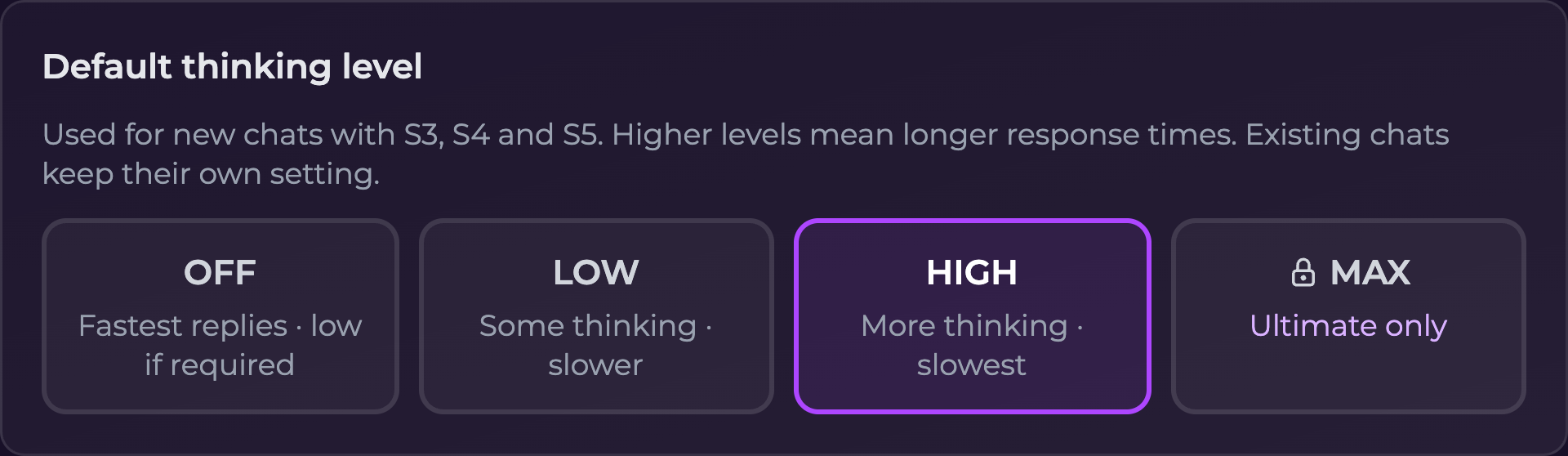
* **Default thinking level**: **Off**, **Low**, or **High** for new S3, S4, and S5 chats; **Max** is available on **Ultimate**. High is the default for new accounts, while existing saved choices remain in place.
* **Default reply style**: Choose **SMS** or **Paragraph** for new chats
* **Companion message limit**: Default messages per response (5, 10, Unlimited)
Find the mode and thinking defaults under **Companion Preferences**. Both save automatically and apply to **new chats only**. For an existing conversation, its header's mode selector saves automatically; changes to its **Thinking level** need **Save** or **Save Changes** in that chat's settings.
Changing the default does not overwrite the thinking level in existing conversations.
See [Chat Modes & Thinking Levels](/get-started/chat-modes-and-thinking-levels.md) for mode access, the response-time tradeoff, and step-by-step instructions.
**SMS** sends multiple shorter messages.
**Paragraph** sends one longer message instead of multiple short ones.
{% hint style="info" %}
If a chat still responds in short texts after switching to **Paragraph**, send this once:
`(OOC: Please review your response instructions as they have changed - please remember to generate detailed paragraphs of natural responses rather than short texts.)`
{% endhint %}
#### Default chat time
Under **Companion Preferences → Default chat time**, choose **Live time** (the default), **No time**, or **Fixed time**, by selecting its tile. The choice saves automatically.
This default applies to **new chats only**. Existing conversations keep their saved time setting. Change them individually in **Chat Settings → Chat time** and save.
The account stores only the mode. With a Fixed default, each new chat saves its own creation minute as its scene clock. To choose or edit a scene date and time, open that conversation's **Chat Settings → Chat time → Fixed time** and save. Fixed times use hours and minutes, without seconds.
See [Chat Time](/get-started/chat-time.md) for setup steps, the starting value for fixed clocks, and how mode changes affect previous messages.
#### Notifications
These settings are under **Communication** in User Settings.
* **Email Notifications**: Toggle emails of product updates and alerts. On **ULTIMATE**, eligible accounts with a verified email address and consent to receive emails can also receive [Proactive Messaging](/get-started/proactive-messaging.md) notifications by email when they have no push subscription.
* **Push notifications**: Shows whether push notifications are enabled on this device. Enable notifications in your browser's address bar or device settings for new feature releases and sales. On **ULTIMATE**, push enabled on any device also makes your account eligible for proactive messaging; eligible email users don't need to enable push.
To stop companion outreach across both channels while keeping other notifications, turn off [**Proactive messages**](#proactive-messages) under **Companion Preferences**.
{% hint style="info" %}
On desktop, notifications work right in your browser, with no installation needed. On mobile, push notifications require installing Secrets as an app first. See [Install the App](/get-started/install-the-app.md) for setup instructions.
{% endhint %}
#### Help
* **Reset tutorials**: Re-enable walkthroughs and tooltips
### Account safety
* **Delete account**: Permanently removes your account and data.
{% hint style="danger" %}
Account deletion is permanent. This can’t be undone.
{% endhint %}
### Frequently asked questions
**Q: Does changing “Default content mode” affect existing chats?**
* No. It only applies to new chats.
**Q: Does changing “Default thinking level” affect existing chats?**
* No. Each existing chat keeps its saved thinking level. Change it in that chat's settings and select **Save** or **Save Changes**.
**Q: How do I change reply style for one chat only?**
* Open **Chat Settings** inside that chat.
* Choose **SMS** or **Paragraph**.
**Q: Does changing “Default chat time” affect existing chats?**
* No. It only applies to new chats. Change an existing conversation in **Chat Settings → Chat time**, then select **Save** or **Save Changes**.
**Q: Why don’t I see my moments balance here?**
* Your balance shows in the top navigation.
* This page shows your **moments history** (the log).
**Q: How do I save changes?**
* Account preferences, including **Default chat time**, save automatically. Changes inside a conversation’s settings need **Save** or **Save Changes**.
**Q: I changed my email, so why does login still ask for my old Google account?**
* Your profile email and your sign-in method are separate. See [Changing the Google account you sign in with](#changing-the-google-account-you-sign-in-with).
***
Need help? Contact .